Introduction — What this handbook teaches you
Is your company switching to a digital benefits platform? Or did HR send you an invite from Belonio? This practical handbook explains, in plain language, how the Belonio App works for both employers and employees. You’ll learn what the app does, how to install and register it, how HR can automate benefits, and simple steps to get the most from tax-free allowances, vouchers, and integrations.
This guide is evidence-based and cites official sources where relevant. Expect clear steps, examples, and a short checklist you can use right away.
What is the Belonio App?
The Belonio App is a cloud-based employee benefits platform that centralizes non-cash perks — such as lunch allowances, mobility budgets, vouchers, and HR documents — into a single Progressive Web App (PWA) that employees access via a browser. The company offers modular benefits for employers and a simple dashboard for employees.
Core benefits: What employees get and why it matters
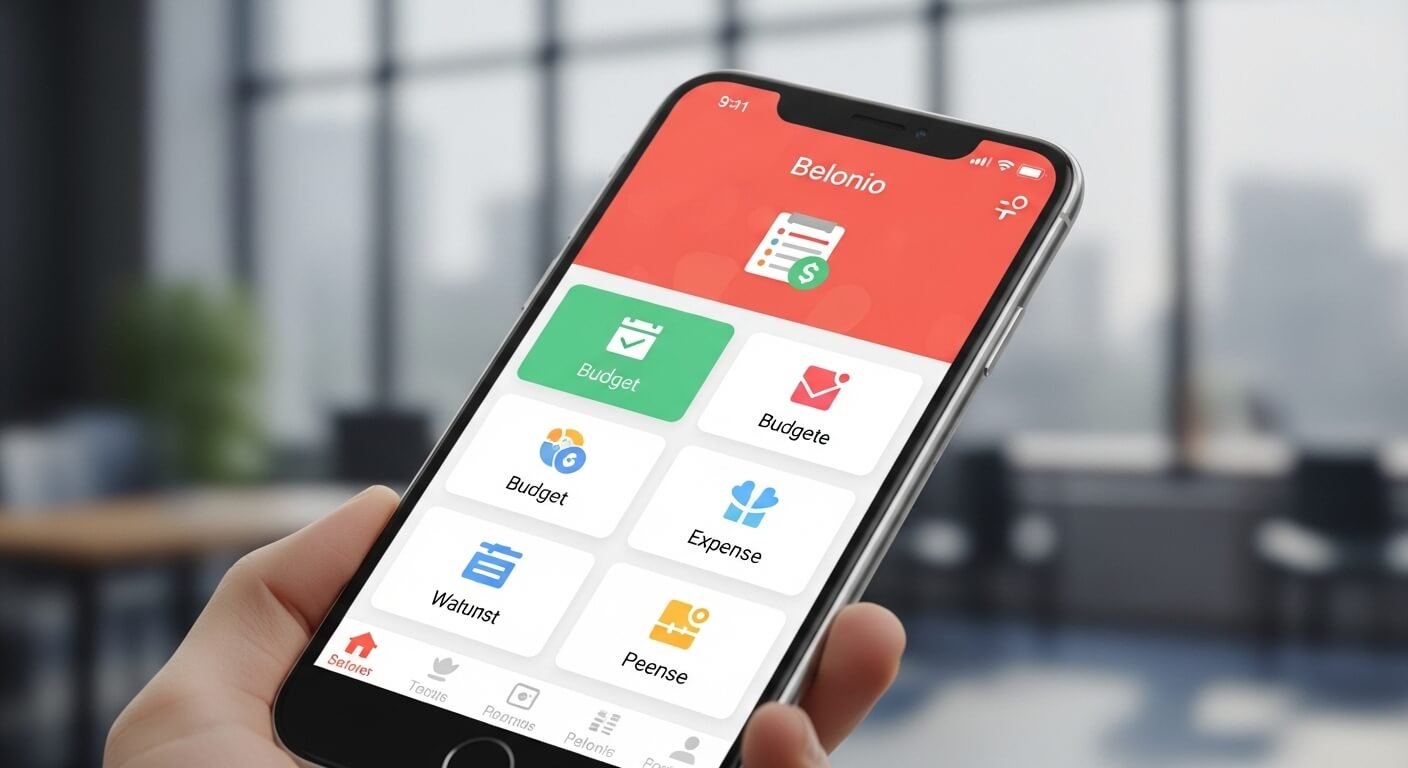
Centralized dashboard
Employees see all employer-provided perks in one place: meal allowances, mobility credits, childcare subsidies, and digital vouchers from partner merchants. This reduces confusion and encourages uptake.
Voucher management & partners
Belonio supports digital vouchers redeemable at many partners (reported as ~250 partners on the vendor site), so employees can use benefits for groceries, lifestyle purchases, and mobility. That real utility increases the perceived value of benefits.
Edenred & card linking
Belonio can integrate with external benefit card systems (for example, Edenred Ticket Plus), so users can link card balances and track acceptance points where supported. This simplifies single-view tracking of all benefit balances.
Belonio App access & installation (employee steps)
Why it’s a PWA, not a store app
Belonio runs as a Progressive Web App (PWA). That means you open it in your mobile browser (no Play Store/App Store required), and you can add a shortcut to your home screen to use it like a native app. PWAs are faster to update and avoid store review delays.
Step-by-step: Register and add to home screen
-
Open your mobile browser and go to https://my.belonio.app.
-
Register using the invitation link sent by your HR team (check spam).
-
Sign in, then open your browser menu → Add to Home Screen (Chrome: three dots; Safari: Share → Add to Home Screen).
-
Use the shortcut like an app — it runs full screen and caches pages for faster load.
Troubleshooting tips
-
If the invite link expired, ask HR to resend.
-
Clear browser cache if pages don’t load after a rollout.
-
Use Chrome on Android or Safari on iOS for the best PWA support.
Employee UX: How to use benefits day-to-day
Redeeming vouchers
Open the voucher section, choose a partner, and redeem the voucher code or present the digital voucher at checkout. Some partners accept QR codes, others accept codes or card balance deductions.
Tracking balances
Use the dashboard to track monthly allowances (e.g., €50 lunch credit), mobility budgets, and any remaining vouchers. This transparency reduces missed benefits.
HR documents & pay info
HR may publish payslips, policy documents, and confirmations through the app. Always download and store key documents you’ll need for tax or administrative purposes.
Employer features: Why HR teams choose Belonio
Automation & compliance
Belonio automates benefit distribution and tax handling per local rules so HR avoids manual errors and paperwork. Automation reduces administrative time and supports compliance with tax rules.
Modular benefits: Build a tailored package
Employers can combine up to 11 benefit modules (examples: meal benefits, vouchers, mobility credits) to create a flexible benefits package that fits budgets and workforce needs. This modularity helps tailor perks to employee demographics.
Reporting & payroll integration
The platform generates reports for payroll and accounting, which reduces month-end reconciliation work. Integrations or exports (CSV) simplify bookkeeping and tax reporting.
Security, privacy & compliance (trust matters)
Belonio operates within European privacy and payroll norms. Employers should verify data-processing agreements (DPAs) and understand where employee data is hosted. When integrating with third parties like Edenred or Epassi, confirm how payment rails and personal data transfer work. For acquisitions and vendor changes, watch official announcements for transition plans. (Epassi acquired Belonio in Sept 2025; see corporate announcement).
After the Epassi acquisition: what changes for customers?
Brand & roadmap clarity
Epassi announced the acquisition of Belonio in September 2025 to strengthen its German footprint and unify offerings under the Epassi brand. For clients, acquisitions can bring expanded partner networks, investment in product development, and consolidated support. Expect gradual integration plans and public timelines from both vendors.
Practical steps for HR during transitions
-
Ask your provider for a migration timeline and data portability details.
-
Confirm whether login flows or endpoints (e.g., my.belonio.app) will change.
-
Review contracts for continuity of service and support SLAs.
Implementation checklist for HR (how to roll out smoothly)
Pre-launch (planning)
-
Map benefits, budgets, and eligibility rules.
-
Decide which modules to enable and test sample employee journeys.
-
Prepare communications and FAQ materials for staff.
Launch (execution)
-
Send invitation links in batches with clear instructions (include PWA install steps).
-
Host brief demos (10–15 minutes) showing how to redeem vouchers and find HR docs.
-
Monitor sign-ups and resolve invite issues quickly.
Post-launch (operations)
-
Pull monthly reports and reconcile with payroll.
-
Collect employee feedback and adjust the benefit mix if uptake is low.
-
Keep a support contact and ticketing process for escalations.
Practical cost & tax considerations
Benefits often carry tax advantages but also require correct administration. In Germany, for example, certain vouchers and allowances qualify as tax-optimized benefits when administered per current law. Employers should consult tax counsel and use system reports to document compliance. Belonio advertises tax-optimized benefit structures and partner voucher amounts; verify specifics with your finance team.
Comparison: Belonio vs other benefits platforms
Consider:
-
Integration depth: Does the vendor link to Edenred, payroll, or HRIS? (Belonio supports Edenred integration).
-
Partner network: Number and type of voucher merchants.
-
Modularity: Can employers mix multiple benefit types? Belonio offers modular blocks.
-
Local expertise: Does the vendor understand regional tax rules? European players like Epassi aim to consolidate local expertise after acquisitions.
Measurement: KPIs HR should track
-
Employee activation rate (%) within 14 days.
-
Monthly voucher redemption rate.
-
Average benefit value used per employee.
-
Payroll reconciliation errors (should drop).
-
Employee satisfaction score related to benefits.
Quick troubleshooting guide (common issues)
-
No invite email: HR should reissue the activation link.
-
PWA install missing: Use Chrome (Android) or Safari (iOS); clear cache if needed.
-
Voucher not accepted at partner: Confirm partner list and voucher type; contact support with the voucher code.
Conclusion
The Belonio App simplifies benefit delivery for employers and gives employees a single place to access vouchers, allowances, and HR documents. For HR teams, it reduces manual work, supports tax-optimized modules, and generates payroll-ready reports. After the Epassi acquisition (Sept 19, 2025), expect deeper European integration and possibly an expanded partner network; however, confirm migration details with your vendor. Deploy with a clear communications plan, measure adoption, and maintain data and tax compliance through documented reports.
FAQs
Q1: How do I install the Belonio App on my phone?
A: Open https://my.belonio.app in Chrome (Android) or Safari (iOS), sign in, then use the browser menu to Add to Home Screen. If you don’t see the option, update your browser.
Q2: Can Belonio link to Edenred Ticket Plus?
A: Yes. Belonio supports linking external vendor cards like Edenred to show balances and acceptance points where available. Check your employer’s configuration.
Q3: Who sends the activation link?
A: Your employer’s HR or benefits team issues the invitation; contact HR if you didn’t receive it or it expired.
Q4: Will my company data move after Epassi’s acquisition?
A: Vendors typically publish migration timelines and DPAs for acquisitions. Ask your provider for details and confirmation that service continuity and data protection remain in place.
Q5: Are benefits tax-optimized?
A: Many modules are designed to meet local tax rules, but tax treatment varies by country and benefit type. Employers should consult tax advisors and use system reports for documentation.